Rolling 12-Month vs Calendar Year Attendance Points: Same Employee, Five Points Apart
Take one employee and one set of facts. Nothing about their behaviour changes between the two columns below — only the window you score it in.
Marcus, a driver, five logged incidents. Today is 31 March 2026.
Full walkthrough of the template used in this guide.
| Incident date | Incident | Points |
|---|---|---|
| 14 Feb 2025 | Late, over 15 min | 1.0 |
| 02 May 2025 | No call, no show | 3.0 |
| 20 Nov 2025 | Absent, no notice | 2.0 |
| 09 Jan 2026 | Late, under 15 min | 0.5 |
| 06 Mar 2026 | Left early | 1.0 |
Scored on a rolling twelve-month window, everything from 1 April 2025 onward counts. The February 2025 lateness has aged out. Active total: 6.5 points — past the written-warning threshold, 1.5 short of a final written warning.
Scored on a calendar year that reset on 1 January 2026, only the last two incidents exist. Active total: 1.5 points — no warning, no conversation, nothing on file.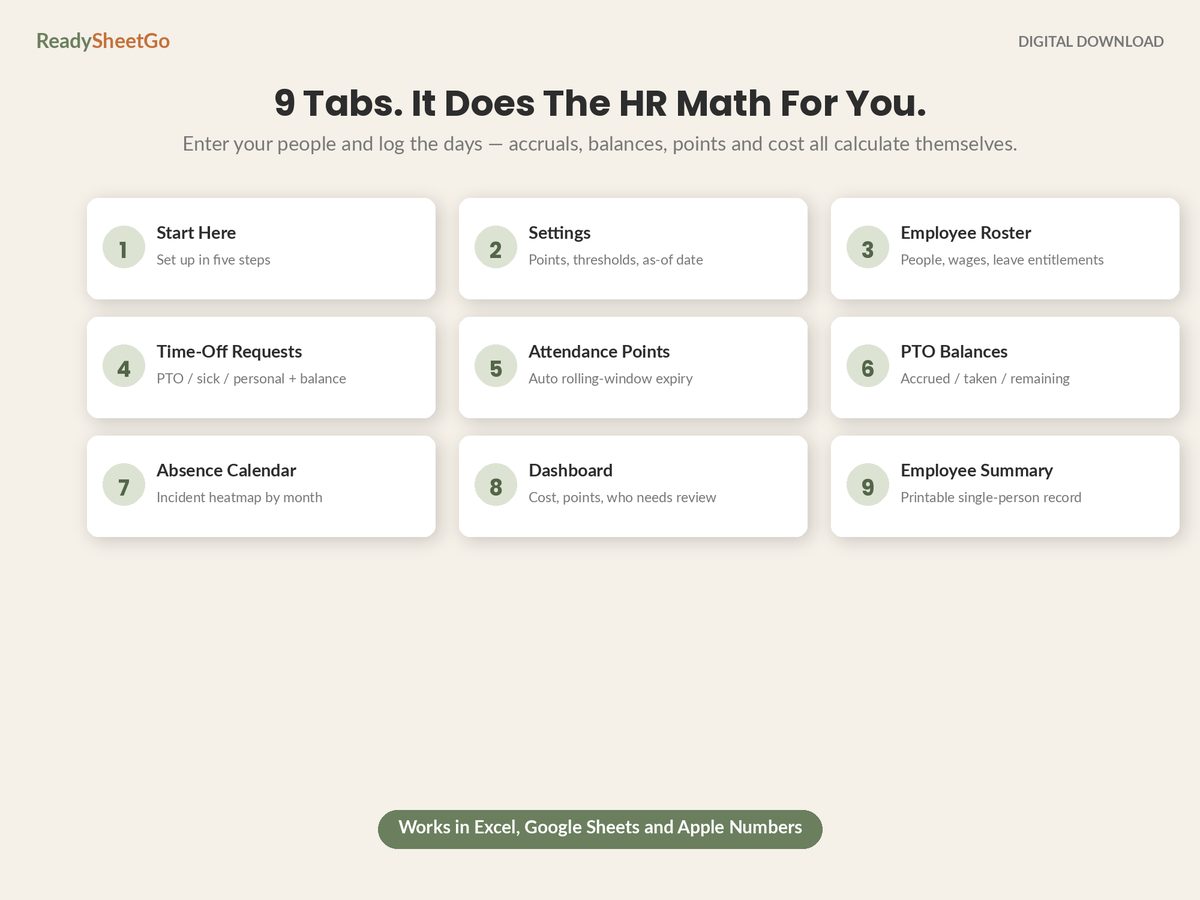
Same person, same five incidents, same day. Five points apart, and on most threshold ladders that is the difference between a formal written warning and an entirely clean record.
That gap is the decision. Here is how each one behaves once it is live.
What a Calendar Year Actually Does
A shared reset date is easy to explain and easy to run by hand, and it produces two predictable distortions.
The December cliff. An employee sitting at 7.5 points in November is one incident from a final warning — and a fortnight from having the slate wiped. The policy is at its most punitive in the exact weeks it is least likely to be tested, and everybody involved knows the calendar.
The January amnesty. On 1 January an attendance record that took eleven months to build is gone. Somebody with nine points on 31 December and somebody with zero start the new year identically. If the point of the ladder is that a pattern of absence accumulates consequences, a hard annual reset deletes the pattern precisely when it has become clearest.
The March problem. There is a third, quieter one. In January and February nobody can accumulate enough points to trip anything, so the policy is effectively dormant for a quarter of the year. Marcus above is a live example: a no-call-no-show eleven months ago, and the file says he is fine.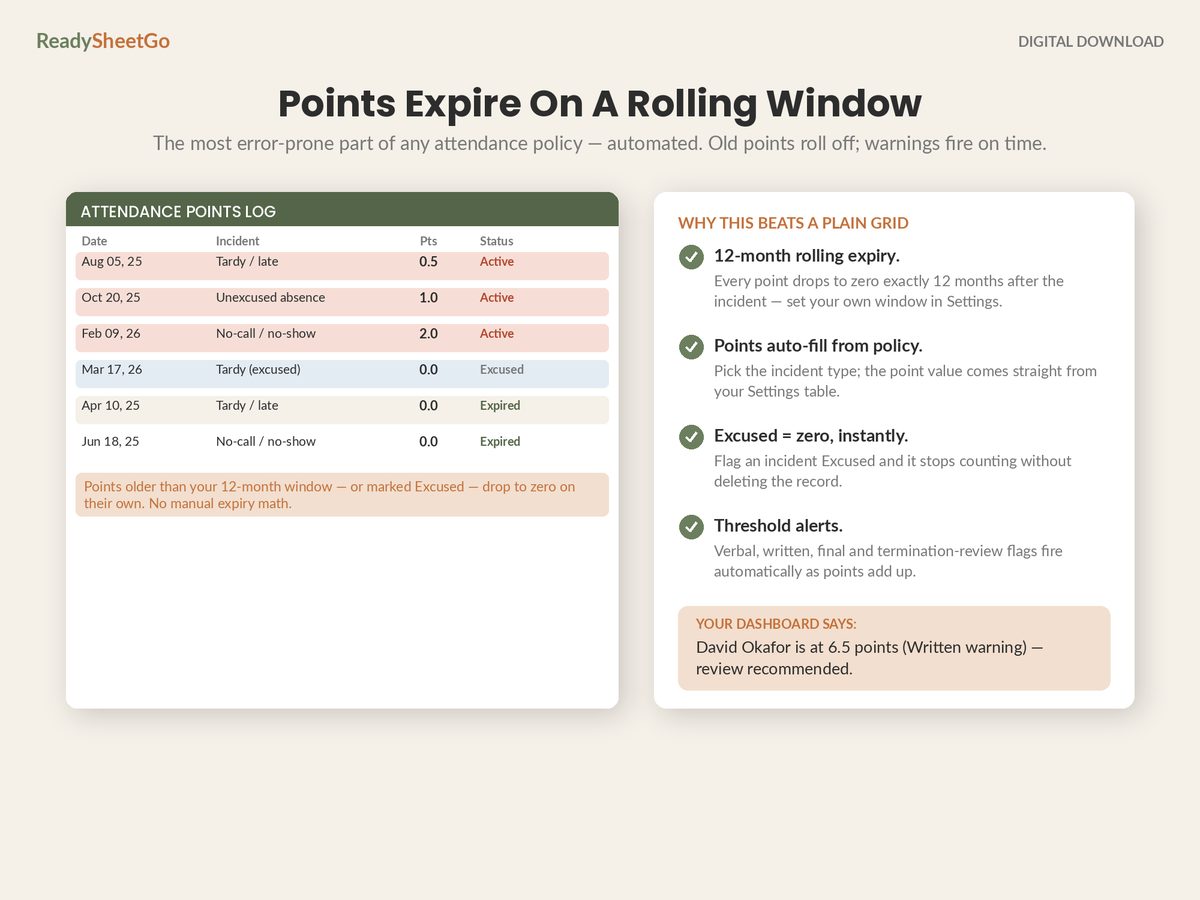
What a calendar year genuinely offers is clarity. Every employee can tell you their point total, the reset date is the same for everyone, and there is no argument about arithmetic. If attendance is tracked on paper, that is not a small thing.
What a Rolling Window Actually Does
Points expire individually, twelve months to the day after the incident. The consequences follow directly from that.
It is continuous. There is no cliff and no amnesty. A pattern that persists keeps accumulating; a pattern that stops decays on its own. That is usually what the policy was trying to express in the first place.
The total changes when nothing happens. This is the part people underestimate. Watch Marcus with no further incidents at all:
| Date | Event | Active points |
|---|---|---|
| 31 Mar 2026 | — | 6.5 |
| 03 May 2026 | May 2025 no-call-no-show ages out | 3.5 |
| 21 Nov 2026 | Nov 2025 absence ages out | 1.5 |
| 10 Jan 2027 | Jan 2026 lateness ages out | 1.0 |
He drops below the written-warning threshold on a Sunday in May, having done nothing but turn up on time. If your tracker is a running total someone types, it still says 6.5 that week — and a warning issued on a stale number is the version of this that ends badly.
Every point has its own clock. That is the real administrative cost, and it is why rolling windows are commonly written into policies and then quietly administered as calendar years. Twelve employees with six incidents each is seventy-two independent expiry dates, and no one is going to diary them.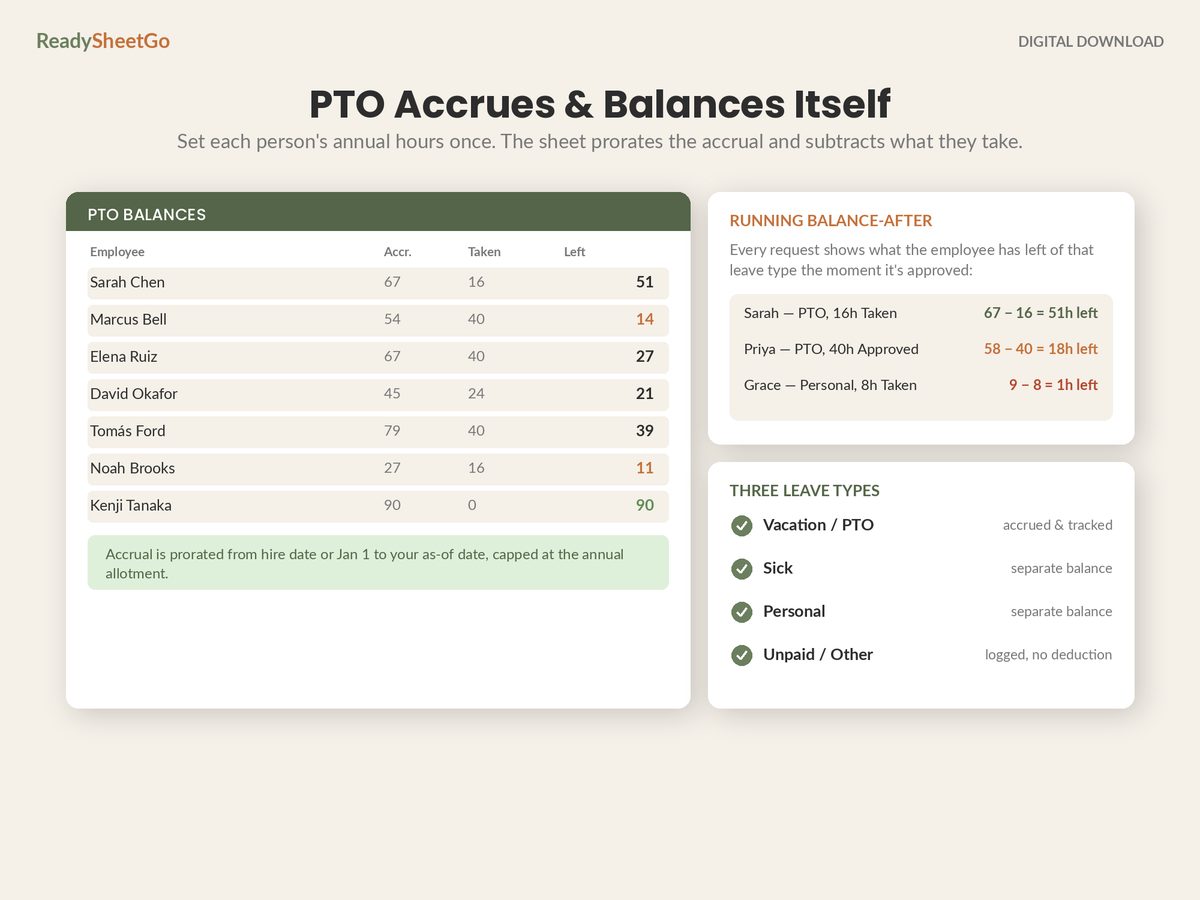
The Formula That Removes the Argument
Which is the point: a rolling window is only hard to run by hand. In a spreadsheet it is one function, and it scores every employee for any date you choose.
Put your as-of date in a settings cell, then:
=SUMIFS(Points!$D:$D, Points!$B:$B, $A2,
        Points!$A:$A, ">="&EDATE(Settings!$B$2, -12),
        Points!$A:$A, "<="&Settings!$B$2)
Settings!B2 is the as-of date and EDATE(as_of, -12) is exactly twelve months back, leap years included. Nothing is typed and nothing needs maintaining.
The calendar-year version, for comparison:
=SUMIFS(Points!$D:$D, Points!$B:$B, $A2,
        Points!$A:$A, ">="&DATE(YEAR(Settings!$B$2), 1, 1),
        Points!$A:$A, "<="&Settings!$B$2)
Both are one line. Once the arithmetic is automated, “it is easier to administer” stops being a reason to pick calendar year, and the choice becomes what it should have been: a question about what you want the policy to do.
Two details worth building in while you are there.
Make the as-of date an input, not TODAY(). Using TODAY() means the file can only ever show you this morning. With a settings cell you can set it to the date of a warning you issued in January and see exactly what the record looked like when you issued it — which is the question you will be asked if it is ever disputed.
Add a per-row expiry column so the log explains itself:
Expires:  =EDATE(A2, 12)
Active?:  =IF(AND(A2 > EDATE($B$2,-12), A2 <= $B$2), D2, 0)
Now every incident shows its own expiry date and its own live contribution. Nobody has to trust the total — they can read where it came from.
Choosing, Honestly
Neither window is correct in the abstract. They encode different intentions.
| Rolling 12 months | Calendar year | |
|---|---|---|
| Reset | Per incident, on its anniversary | Shared, 1 January |
| December behaviour | Unremarkable | Cliff |
| January behaviour | Unremarkable | Full amnesty |
| Employee can self-check | Harder without the sheet | Easy |
| By-hand administration | Impractical past a few staff | Workable |
| With a tracker | One formula | One formula |
| Rewards sustained improvement | Yes, continuously | Only at the reset |
Pick rolling if you want consequences to track behaviour continuously and you have something that will do the arithmetic. Pick calendar year if transparency to employees outweighs the distortions, or if you are genuinely running this on paper.
What matters more than the choice is that the written policy and the actual practice match. A policy that says “rolling twelve months” administered as a calendar year in a notebook is the worst of the three options, because the document you would be judged against describes a system you are not running.
A note on scope: whichever window you use, legally protected absence — FMLA leave, an ADA accommodation, state paid-sick-leave entitlements, jury duty, military leave — should not earn points at all under a no-fault policy, and the exclusion should be a flag in the log rather than something someone remembers. This is a record-keeping article, not legal advice; have your written policy reviewed by an employment lawyer in your state.
For the full picture — how the points log sits alongside accruals, requests and balances in one file — start with the complete tracker build. And once you have picked a window, the ladder you hang on it is the next decision.
Featured on ReadySheetGo
Employee PTO, Attendance & Absence Point Tracker — $18.99
Nine ready-built tabs with 250+ formulas already written and tested, built around exactly this problem: adding points up is easy, rolling them off is not.
The Attendance Points tab is the incident log. Point values auto-fill from your Settings tab, and old or excused points expire to zero on their own across a rolling twelve-month window you control — every point carrying its own expiry date, so the total is correct on days nobody touched the file. The as-of date is an input you set, not a hardcoded TODAY(), so you can re-score the whole team as of any date and see exactly what a record looked like when a warning was issued.
Your four disciplinary thresholds — verbal, written, final and termination review — live on the Settings tab and fire automatically as active points accumulate, and an excused / protected flag forces points to zero where they should never have applied. The Absence Calendar heatmaps incidents by employee and month so patterns surface on their own. PTO Balances, Time-Off Requests and the Employee Roster handle accrual, requests and running balances for PTO, sick and personal leave separately. The Dashboard returns active points, who is over a threshold, PTO taken, estimated absence cost and your absenteeism rate, and Employee Summary prints a full single-employee record for the HR file.
Twelve sample employees pre-filled. Nothing is password-locked — change the window, the point values or the thresholds to match your own written policy. Works in Excel, Google Sheets and Apple Numbers. No macros, no add-ons, no per-seat subscription.
Get the Employee PTO, Attendance & Absence Point Tracker →
Frequently Asked Questions
What does a rolling 12-month attendance window actually mean?
Each point expires individually, twelve months to the day after the incident that created it — not on a shared reset date. An employee's total therefore changes on days when nothing happened, because an old point simply aged out overnight. That is the defining feature and the whole administrative difficulty: a running total typed into a cell is wrong the moment any point crosses its own anniversary, and nobody gets a reminder.
Which window is more common in small businesses?
Rolling twelve months is the more common design in written no-fault policies, largely because it removes the December cliff and the January amnesty that a calendar year creates. Calendar year survives mostly where attendance is tracked by hand, because a shared 1 January reset is the only version a human can maintain in a notebook. Once the tracking is automated, the administrative argument for calendar year mostly disappears and the choice becomes a genuine policy question rather than a practical one.
Can I change from calendar year to a rolling window mid-year?
You can, but decide explicitly what happens to points already on the board and put it in writing before the switch date. Converting a calendar-year balance to a rolling one retroactively can revive points an employee reasonably believed had been wiped at the reset, which is exactly the kind of surprise that turns a discipline conversation into a dispute. The cleaner approach is to apply the new window to incidents from the changeover date forward and let the old balance run off under the old rules.
Should points expire faster for minor incidents?
Some policies do run a shorter window for tardiness than for full absences, and it can feel proportionate. The cost is complexity: every point now needs its own expiry rule as well as its own expiry date, and explaining the total to an employee becomes considerably harder. A single window applied to everything, with the seriousness expressed through the point value instead of the duration, is easier to administer and much easier to defend as consistently applied.