A Wedding Guest List Spreadsheet With Meal Choices and Dietary Restrictions for Your Caterer
A few weeks before the wedding, your caterer asks a reasonable question: how many chicken, how many beef, how many vegetarian, and who has allergies? And suddenly you’re spreading 130 reply cards across the dining table, sorting them into piles, second-guessing whether you counted Uncle Ray’s card twice, and squinting at a note that says “no nuts” without a name attached. The meal count feels like it should be simple arithmetic. It turns into an evening of paper sorting because the information lives in the wrong format — a pile of individual cards instead of a list that can count itself.
Meal selections and dietary needs are data, and paper is a terrible tool for data. Your caterer doesn’t want cards; they want totals by entree and a clean allergy list. The way to give them that without the sorting marathon is to capture each guest’s meal choice and dietary notes on the same guest list that already holds their RSVP — so the counts build themselves as replies come in, and a late change is a one-cell edit, not a reshuffled pile.
Full walkthrough of the template used in this guide.
Why Sorting Reply Cards Is the Wrong Job
Tallying meals from physical cards fails in ways that get worse the bigger your wedding is.
It doesn’t know who’s coming. A stack of meal cards includes selections from people who later declined, so unless you cross-check every card against your RSVP list, you’ll over-order. It doesn’t total anything. You count by hand, and hand-counting 130 cards into three or four entree buckets is exactly the kind of task where a single miscount costs you money or leaves a guest without a plate. And it scatters the allergy information. The one detail you cannot afford to get wrong — a severe allergy — ends up as a handwritten margin note on card number 84, easy to miss when you’re focused on entree tallies. A spreadsheet fixes all three, because it counts, it only counts attendees, and it can pull every dietary note into one place.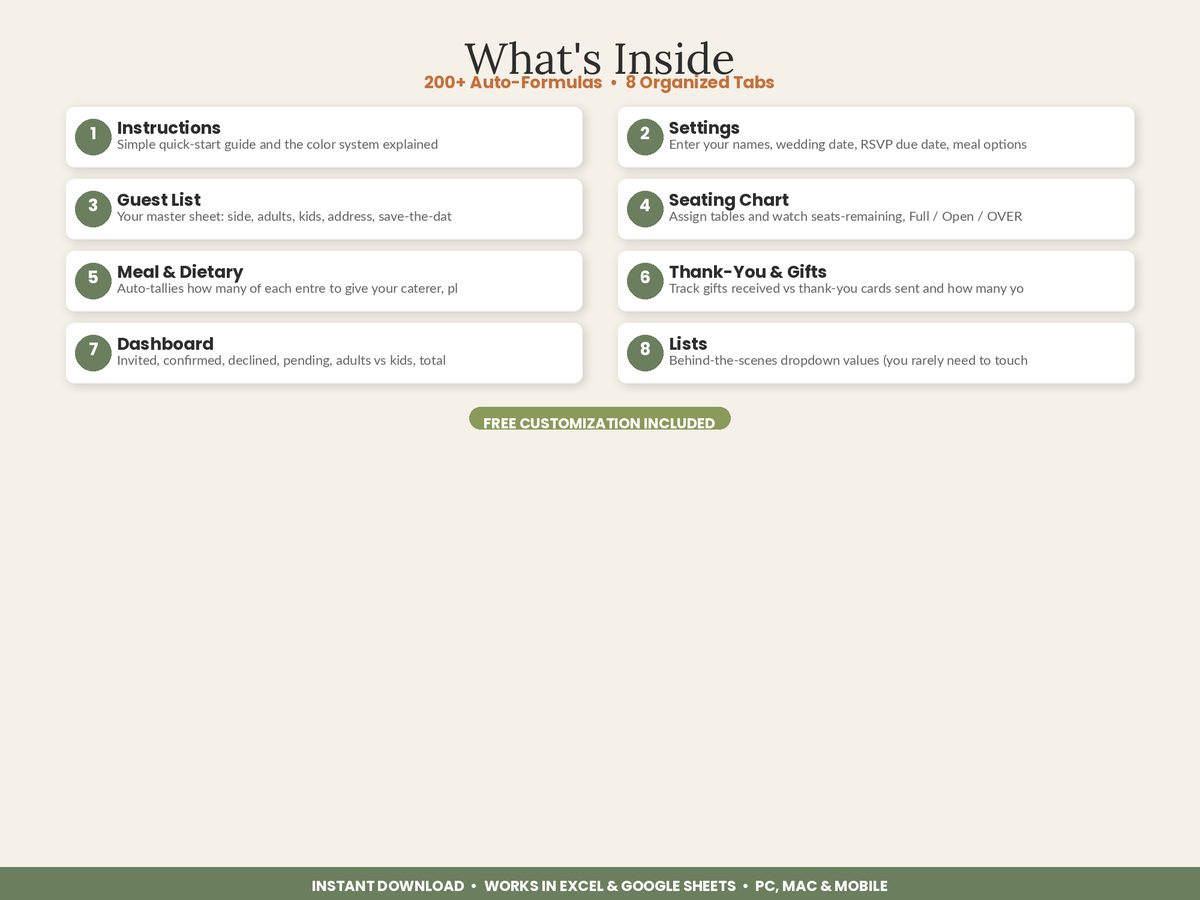
The Core Idea: Meal Choice Lives on the Guest Row
The principle is the same one that makes the rest of a guest list work: one master list, and everything reads from it. Each guest’s row already has their name and RSVP status. You add a Meal Choice column — a dropdown of your actual entree options — and a Dietary Notes column for allergies and special needs. Now the two things your caterer needs are attached to the person and to their attending status.
From there, the spreadsheet does the counting. It tallies how many attending guests chose each entree, so you get “48 chicken, 41 beef, 22 vegetarian” as live totals, not a pile to sort. And because the count is tied to RSVP status, it never includes someone who declined. Change a meal choice and the totals move. Mark a guest as declined and their plate drops out of the count. The caterer’s numbers stay correct without you doing anything but logging replies.
This is exactly how the Wedding Guest List, RSVP & Seating Chart Manager handles catering: a Meal & Dietary summary that counts plates needed per entree and pulls every guest with a dietary need into one overview — all reading from the same rows you set up for RSVPs.
Step 1: Set Your Entree Options as a Dropdown
Enter your actual menu — say, chicken, beef, salmon, vegetarian — as the options in a Meal Choice dropdown. Using a fixed dropdown instead of free text is what makes the counting reliable: “veggie,” “vegetarian,” and “veg” typed by hand are three different things to a spreadsheet, but a dropdown forces one clean value the totals can trust. As each guest tells you their choice, you pick it from the list.
Step 2: Keep a Dedicated Dietary Notes Column
Allergies and dietary needs deserve their own column, separate from the entree choice. A guest might choose the chicken and have a shellfish allergy, or need a gluten-free version of an entree. Recording “nut allergy,” “gluten-free,” or “vegan” in a Dietary Notes field means these details are never buried inside a meal selection. This is the column that protects a guest’s safety, so it’s worth keeping clean and complete.
Step 3: Let the Spreadsheet Count the Entrees
Once meal choices are dropdown values on attending rows, the plate counts are automatic. A summary tallies each entree among guests marked attending and shows the totals. This is the number your caterer actually asked for, produced without sorting a single card — and it recalculates the instant a reply lands or a guest switches from beef to vegetarian.
Step 4: Build the Allergy List in One Click
Because dietary notes live in their own column, the spreadsheet can gather every guest who has one into a single list — names and needs together. That’s the sheet you hand the kitchen: not “check card 84,” but a clean roster of who needs the nut-free plate, who’s vegan, and who’s gluten-free. For a plated dinner, this list is what lets banquet staff serve confidently by seat.
Step 5: Hand Off Counts You Can Defend
At your RSVP deadline you give a preliminary count; a few days before the wedding you give the final guaranteed number your contract requires. With a live guest list, both are ready on demand — entree totals and an allergy list that reflect the very latest replies. And because meal choice sits alongside seating in the same workbook, you can even provide counts table by table, so plated service knows exactly what goes where.
Give the Caterer a Spreadsheet, Not a Shoebox
The meal count doesn’t have to be an evening of sorting cards and hoping you didn’t miscount. Put each guest’s entree choice and dietary needs on the same list that holds their RSVP, use a dropdown so the totals stay clean, and let the spreadsheet count only the guests who are actually coming. What your caterer wants — plate counts by entree and a complete allergy list — stops being a chore you dread and becomes two numbers you can read off the screen, correct to the last reply.
Featured on ReadySheetGo
The Wedding Guest List, RSVP & Seating Chart Manager includes a Meal & Dietary summary that counts plates needed per entree and pulls every guest with an allergy or dietary need into one clean overview — reading directly from the meal-choice and dietary columns on your master guest list. Because RSVP status, meals, seating, and dietary notes all share the same connected 8-tab workbook, your caterer counts only reflect attending guests and update the moment a reply changes. Sample guests are pre-filled to show how it works. Works in Excel and Google Sheets, PC and Mac. One-time purchase — $16.99 instant download.
Frequently Asked Questions
How do I give my wedding caterer a meal count?
Add a meal-choice column to your guest list with a dropdown of your entree options, then let the spreadsheet count how many guests picked each one. Because meal choices sit on the same rows as your RSVP status, the totals only count guests who are actually attending — so you hand the caterer clean plate counts by entree instead of a stack of reply cards to tally by hand.
How should I track guest dietary restrictions and allergies for a wedding?
Keep a dietary-notes column on each guest's row for allergies and needs like vegetarian, vegan, gluten-free, or nut allergy. A spreadsheet can then pull every guest with a restriction into one summary list for the caterer and kitchen. Allergies are a safety issue, so a single, complete list — rather than notes scattered across RSVP cards — genuinely matters.
When does my caterer need final meal numbers?
Most caterers want a preliminary count around your RSVP deadline (three to four weeks out) and a final guaranteed count a few days before the wedding, per your contract. A guest list that tallies entree choices automatically as replies arrive means both numbers are ready on demand, with no last-minute recount of who ordered the chicken versus the beef.
What if guests change their meal choice after they RSVP?
Update the one cell on that guest's row and every total recalculates instantly. That's the advantage of counting from a live spreadsheet instead of a tallied stack of cards — a late change from beef to vegetarian moves both entree counts and the dietary summary automatically, so the numbers you give the caterer are never stale.