How to Make a Weekly Meal Plan and Grocery List That Stays Under Budget
You get to the register, the total comes up higher than you expected, and you can’t quite say where the extra $40 went. Then half of what you bought sits in the fridge until it’s thrown out on Sunday. If that cycle sounds familiar, the problem usually isn’t willpower or coupons — it’s that you’re shopping without a plan and finding out the total only after it’s too late to change it.
The average American household throws away roughly a third of the food it buys, according to USDA estimates — the equivalent of hundreds of dollars a year walking straight into the trash. Meanwhile grocery prices in 2026 are up again, with food-at-home costs rising about 2.8% on the year and staples like beef up over 6%. The households that stay under budget in that environment aren’t spending more time clipping coupons. They’ve just built a repeatable weekly system: plan the meals, build the list from the plan, cap the total before shopping.
Here’s exactly how to do it.
Step 1: Plan the Meals Before You Think About the Store
The single biggest mistake is walking into the store — or opening a delivery app — and deciding what to buy on the spot. That’s how you end up with ingredients for meals you never actually commit to cooking.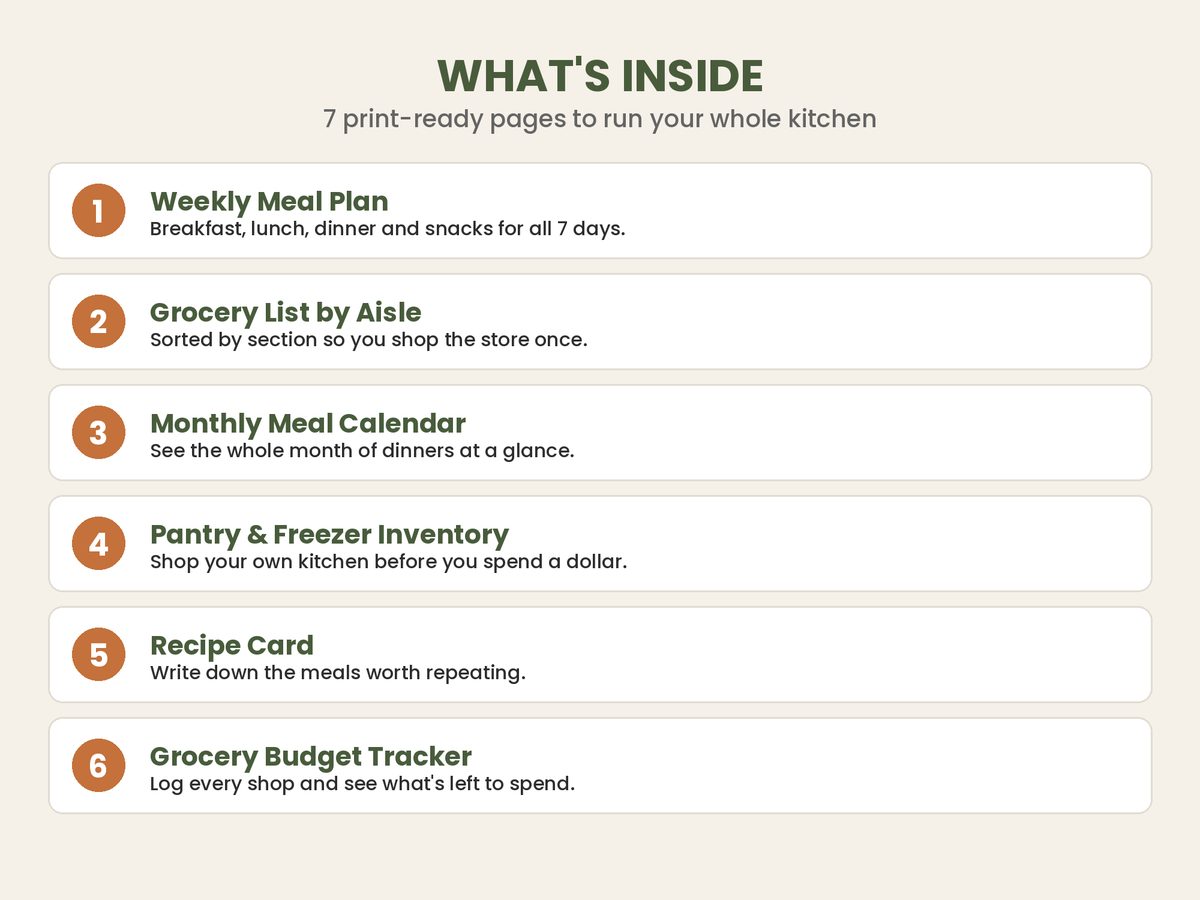
Instead, start with a blank week and fill in the dinners first, since they’re the meals most likely to get outsourced to takeout when there’s no plan. Pick seven, then add any breakfasts and lunches you genuinely cook rather than grab. Lean on meals that share ingredients: if three dinners use the same rotisserie chicken or the same bag of rice, you buy once and use it three ways. Repeating ingredients across meals is one of the quietest ways to cut a grocery bill without eating the same thing twice.
Step 2: Turn the Plan Into One Master Grocery List
Once the week is planned, go meal by meal and write down every ingredient each one needs, with quantities. This is tedious by hand, which is exactly why most people skip it — and skipping it is what leads to buying a second jar of cumin you already own.
The goal is a single, de-duplicated list: if four meals each need onions, that’s one line item with the total quantity, not four scattered reminders. When the list is built directly from the meals you planned, you buy exactly what the week requires and nothing it doesn’t. This is where a meal planner spreadsheet with an auto-generated grocery list does the heavy lifting — you select meals from dropdowns and the list assembles itself, already combined and organized, instead of you re-copying ingredients by hand.
Step 3: Check the List Against Your Pantry
Before you attach prices, cross off what you already have. Most kitchens are quietly holding $50 to $100 of usable food at any given moment — pasta, canned goods, spices, frozen vegetables — that gets re-bought simply because nobody checked.
A quick pantry pass does two things: it shrinks the list (and the bill), and it nudges you to actually use what’s about to expire. If you know you’ve got two cans of black beans and a half-used bag of rice, that’s a “use what I have” meal you didn’t have to shop for at all.
Step 4: Put a Price on Every Item and Total It Before You Leave
This is the step that separates staying under budget from hoping you will. Next to each item on the list, jot an estimated price. Add it up. Now you have a projected total before you’re standing in an aisle with a cart.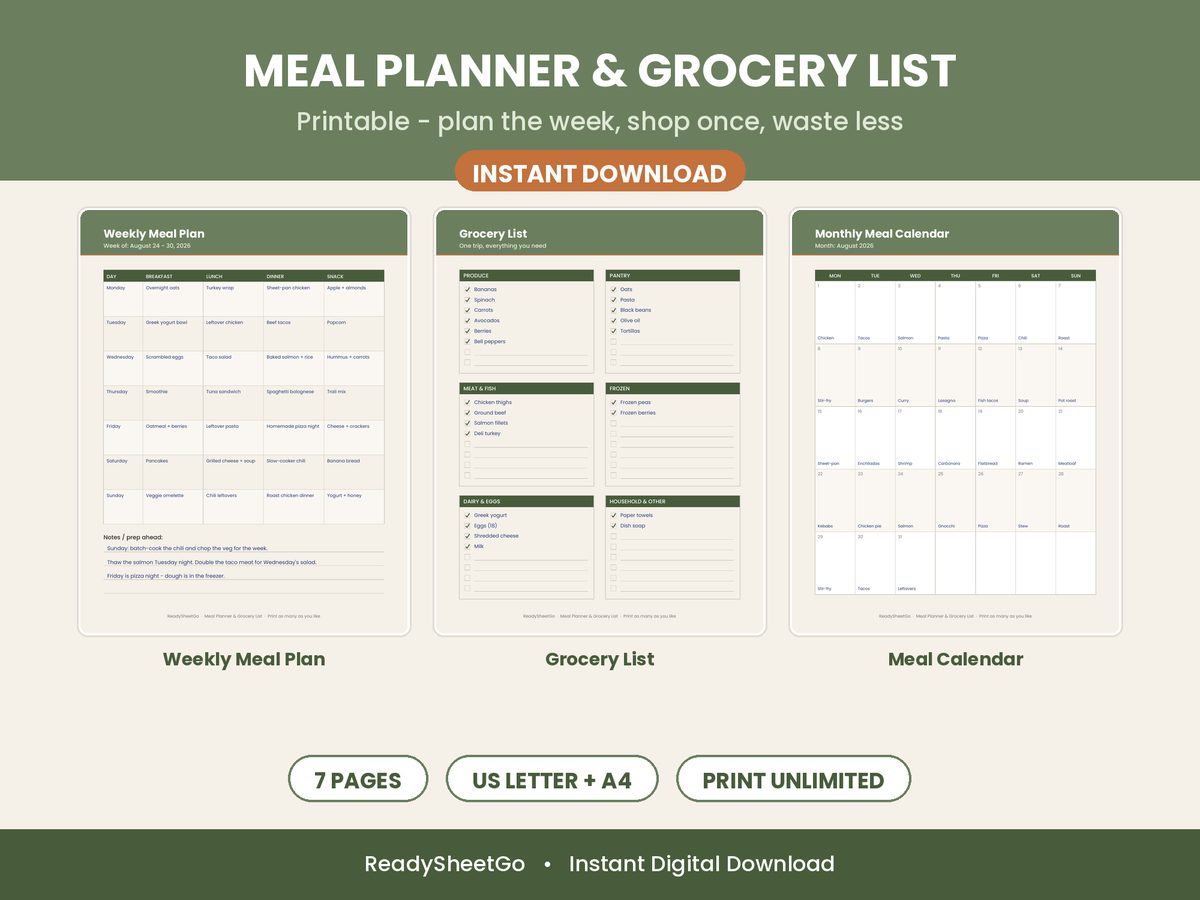
If the total is over your cap, you can see exactly what to trade down — swap the pricier cut of beef for chicken thighs, drop the out-of-season berries, cut one convenience item — while it’s still just a number on a screen. Adjusting a list is painless. Putting items back at checkout is not, so most people don’t, and that’s how the budget breaks.
Set the cap first based on what you can actually spend that week, then shape the list to fit it. A meal planner that tracks estimated cost per meal and a running list total lets you do this in a couple of minutes instead of doing mental math down every aisle.
Step 5: Shop the List — and Only the List
With a planned, priced, pantry-checked list in hand, the actual trip becomes almost boring, which is the point. You’re not deciding anything at the store; you’re executing a plan you already made calmly at home, where impulse buys and “this looks good” don’t get a vote.
If a planned item is shockingly expensive that week — say beef spiked again — you swap for the substitute you’d think of anyway, and because your list is tied to a total, you can immediately see whether the swap keeps you under budget.
Step 6: Log What You Actually Spent
After the trip, record the real total against your estimate. Over a few weeks this tells you whether your estimates are realistic and where your money actually goes by category — produce, meat, dairy, pantry, snacks. Most people are surprised to learn a single category (often snacks or convenience food) is eating a huge share of the bill. You can’t fix a leak you can’t see, and a weekly spend log by category makes it obvious.
The System, Not the Spreadsheet, Is What Saves You
None of these steps are complicated. The reason they work is that they’re connected: the meal plan feeds the grocery list, the list feeds the budget, and the budget feeds back into which meals you pick next week. Break the chain — shop without a plan, or plan without pricing — and the savings leak out.
Doing all of this on paper is possible but painful, which is why most people quit after two weeks. Automating the connections is what makes the habit stick.
Featured on ReadySheetGo
The Meal Planner Spreadsheet with Grocery List Template links your weekly meal plan, grocery list, pantry, and budget into one system. Pick meals from dropdown menus and the grocery list auto-generates — organized by store aisle and split into what you need to buy versus what’s already in your pantry. It tracks estimated cost per meal, weekly spending by category, and a monthly budget summary, with 1,288 built-in formulas doing the math. 10 tabs, works with Excel and Google Sheets, no experience needed. One-time purchase — $12.99 instant download (currently $7.79 with code LAUNCH40).
Frequently Asked Questions
How do I make a weekly meal plan that stays under budget?
Start with the meals, not the store. Pick 7 dinners (plus any breakfasts and lunches you actually cook), list every ingredient each meal needs, then build one grocery list from that plan. Attach a price to each item and total it before you shop so you can see if you're over budget while you can still cut something. Planning the week and capping the total in advance is what keeps the trip under control — an unplanned trip almost always drifts higher.
How much should a family of four spend on groceries per week in 2026?
The USDA's Thrifty plan runs roughly $240–$255 per week for a family of four in 2026, the Low-cost plan around $310–$330, and the Moderate plan closer to $390–$410. Where you land depends on region, ages, and how much you cook from scratch. The point of a plan isn't to hit a national average — it's to set your own weekly cap and build a list that fits inside it.
Why do I always go over budget at the grocery store?
Overspending usually comes from shopping without a plan: you buy ingredients for meals you never decided on, grab duplicates of things already in your pantry, and add impulse items because there's no running total telling you you're over. Planning meals first, building the list from that plan, and seeing the estimated total before you leave removes all three leaks at once.
Is it better to meal plan in a spreadsheet or an app?
A spreadsheet gives you a full-week view, an editable list, and a live budget total in one place, with no subscription and no login. Apps can be convenient on your phone, but many hide the math or lock budgeting behind a paywall. A meal planner spreadsheet works in Excel or Google Sheets, syncs to your phone through Google Drive, and lets you see the whole plan and the running cost at a glance.